A Beginner's Guide to Setting Up Your First Online Clock


Setting up an online clock can be a straightforward task, even for beginners. Whether you need it for personal use or to enhance your website, an online clock can offer both functionality and style. This guide will walk you through the process of setting up your first online clock, ensuring it's customized to suit your needs.
Understanding the Basics
Before diving into the setup, it's essential to understand what an online clock is. An online clock is a digital timepiece that can be embedded on a website or used as a standalone application. It can display the current time, date, and even different time zones, which is particularly useful for businesses with international clients.
Online clocks come in various formats, from simple text displays to more elaborate designs with animations. The choice depends on your needs and the aesthetic of your website.
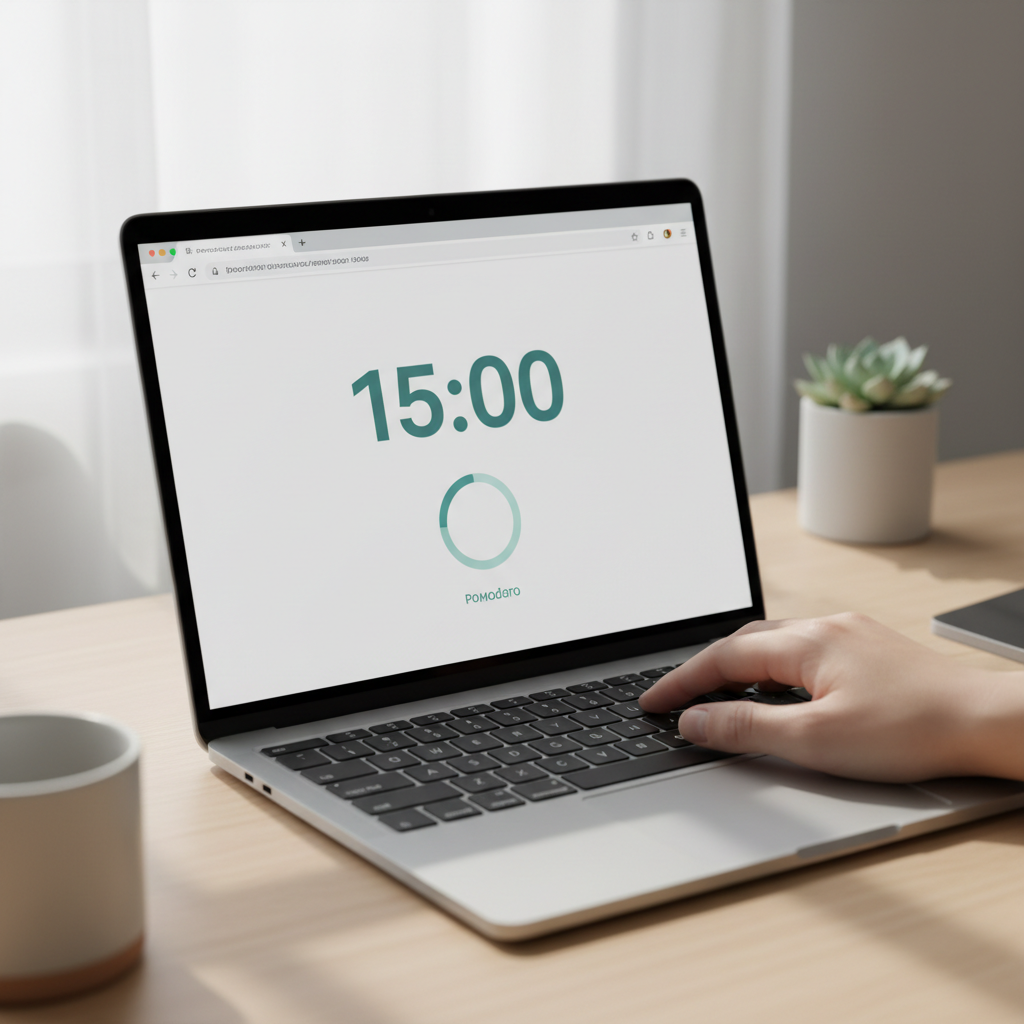
Choosing the Right Tool
There are numerous online tools and plugins available for setting up your clock. Some popular options include:
- Clocklink: A free service offering a variety of clock styles.
- Time Zone Converter: Ideal for displaying multiple time zones.
- WordPress Plugins: Perfect for those using WordPress sites.
Choose a tool that best fits your needs and is compatible with your website platform.
Installation Process
The installation process will vary depending on the tool you choose. Generally, you'll need to follow these steps:
- Visit the website of your chosen tool and select the clock style you like.
- Customize the clock settings, such as time zone, color, and size.
- Copy the provided HTML code or download the plugin.
- Embed the code into your website or install the plugin.
Most services offer detailed instructions on their websites, making the process user-friendly.

Customization Options
After setting up your clock, consider customizing its appearance to match your website's design. Many online clock tools offer customization features, allowing you to adjust:
- Colors: Align the clock with your brand's color scheme.
- Fonts: Choose a font style that matches your website.
- Size: Ensure the clock fits well within your site's layout.
Customization enhances the visual appeal and helps integrate the clock seamlessly into your site.
Troubleshooting Common Issues
If you encounter issues during setup, consider these troubleshooting tips:
- Ensure the HTML code is correctly embedded without any errors.
- Check for compatibility issues with your website platform.
- Consult the tool's support resources or community forums for help.
Most problems can be resolved by carefully following the instructions provided by the tool.

Final Thoughts
Setting up your first online clock is a rewarding experience that enhances both personal use and website functionality. By choosing the right tool and customizing it to fit your needs, you can create a stylish and useful addition to your digital space.
With these steps, you're well on your way to successfully setting up an online clock. Enjoy the convenience and elegance it brings to your digital environment!