The Ultimate Guide to Using World Clocks Effectively


Understanding World Clocks
In today's interconnected world, keeping track of time across different time zones is crucial for businesses, travelers, and remote teams. World clocks provide an efficient way to manage this, ensuring that you never miss a meeting or deadline due to time zone confusion. Whether you're scheduling a call with a colleague in Tokyo or planning a meeting with clients in London, world clocks can be your best friend.
A world clock is essentially a clock that displays the time for various cities around the world. Many digital devices, from smartphones to desktops, come with built-in world clock features. These tools can be customized to show the time in cities that are important for your professional or personal life.
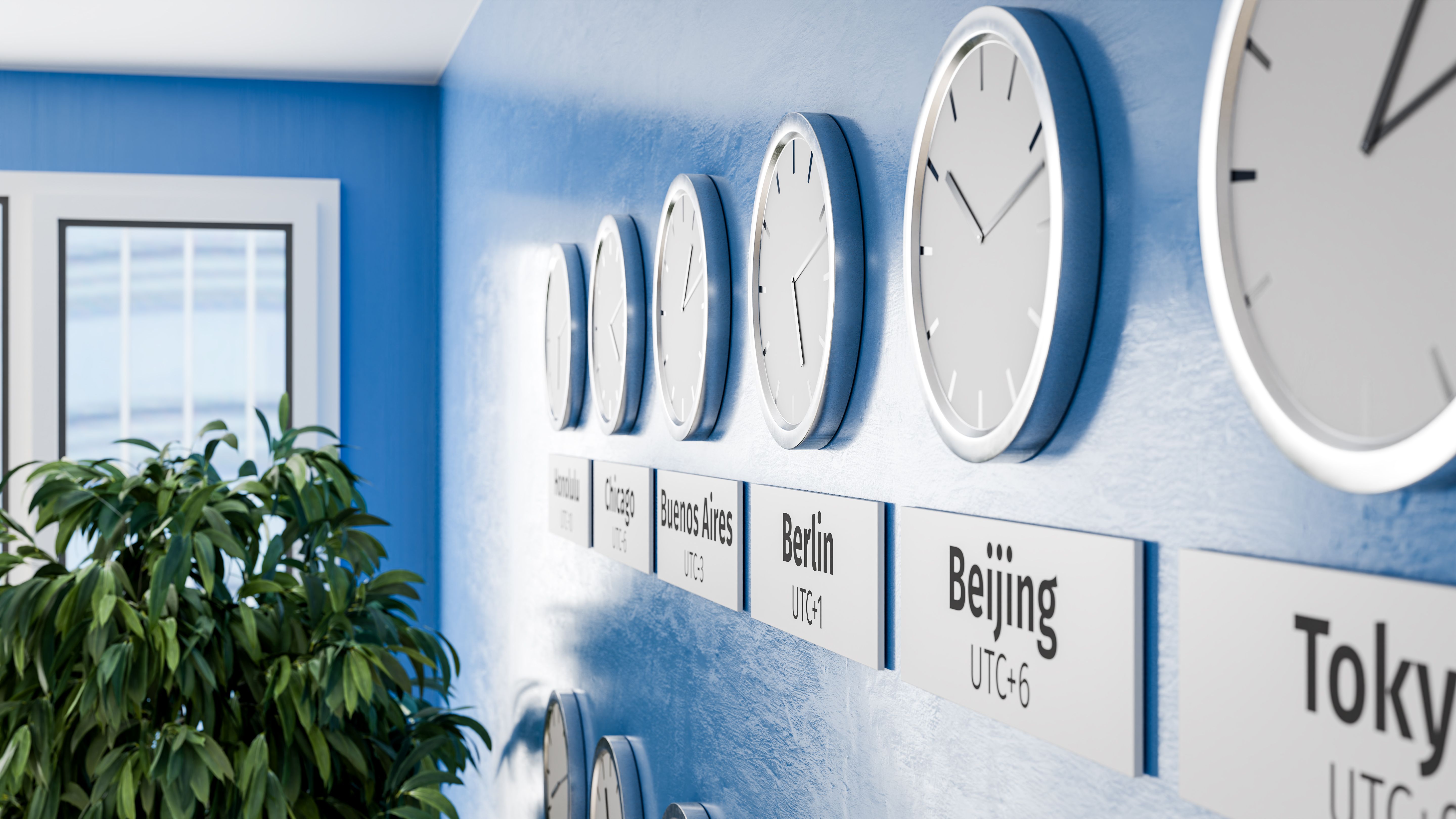
Setting Up Your World Clock
Setting up a world clock is a straightforward process. Most devices allow you to add multiple cities to your clock list. Here’s a simple guide to get started:
- Open your device’s clock app or world clock feature.
- Select the option to add a new city or time zone.
- Search for the city by name or time zone.
- Add it to your list of world clocks.
Repeat this process until you've added all the necessary cities. This setup will help you quickly glance at the time differences without having to calculate manually.
Benefits of Using World Clocks
Using world clocks effectively can streamline your workflow and enhance productivity. Here are some key benefits:
- Improved Scheduling: Easily coordinate meetings and calls across different time zones.
- Enhanced Communication: Avoid confusion and miscommunication by knowing the exact local time of your contacts.
- Time Management: Better manage your time by understanding peak hours in different regions.

Choosing the Right World Clock Tool
There are a variety of world clock tools available, ranging from built-in device features to standalone apps and websites. When choosing a tool, consider the following factors:
- User Interface: Opt for a tool with an intuitive and easy-to-navigate interface.
- Customization Options: Look for features that allow you to customize the display, such as color coding or renaming cities.
- Device Compatibility: Ensure the tool works seamlessly across all your devices.
Popular world clock apps include World Clock by timeanddate.com, Clocks by Google, and the built-in clock features on iOS and Android devices.
Tips for Maximizing World Clock Use
To get the most out of your world clocks, consider these tips:
- Regularly update your city list to reflect changes in your professional and personal contacts.
- Utilize widgets or desktop shortcuts for quick access to your world clocks.
- Sync your world clocks with calendar apps to streamline scheduling.
By integrating world clocks into your daily routine, you can enhance your global communication and ensure that you’re always on time, no matter where you are in the world. Whether for work or leisure, these tools are invaluable in our 24/7 global society.